

Insights
Top 5 Check Printing Software for Small Businesses in 2026
This guide covers the most commonly used, what each does well, and where each falls short, so you can match one to how you actually work.
Printing your own checks has become a normal part of running a small business. It saves the cost of ordering checkbooks, removes the wait when you run out, and gives you control over layout and record keeping. The software you choose decides how smooth that process is.
If you are new to the process, our guide on how to print checks at home covers the basics of paper, printers, and setup before you pick a tool.
What to Look For in Check Printing Software
Before comparing specific tools, it helps to know which features matter most.
Bank-compliant formatting
Checks must include a correctly formatted MICR line in the E13B font, placed in the right position, or banks may reject them. This is the single most important requirement.
Paper flexibility.
Some tools work on blank check stock, plain paper, or pre-printed stock. Know which your workflow needs.
Accounting integration.
If you already use QuickBooks, Xero, or similar software, importing payees and payments saves time and reduces errors.
Pricing model.
Subscriptions, per-check credits, and one-time purchases all cost different amounts depending on your volume. A tool that is cheap at 10 checks a month can be expensive at 500.
Security and record keeping.
Look for a check register, audit trail, and sensible controls over who can print.
Extras you will actually use.
Check mailing, batch printing, and multiple bank accounts are useful for some businesses and irrelevant to others.
1. Print Your Checks
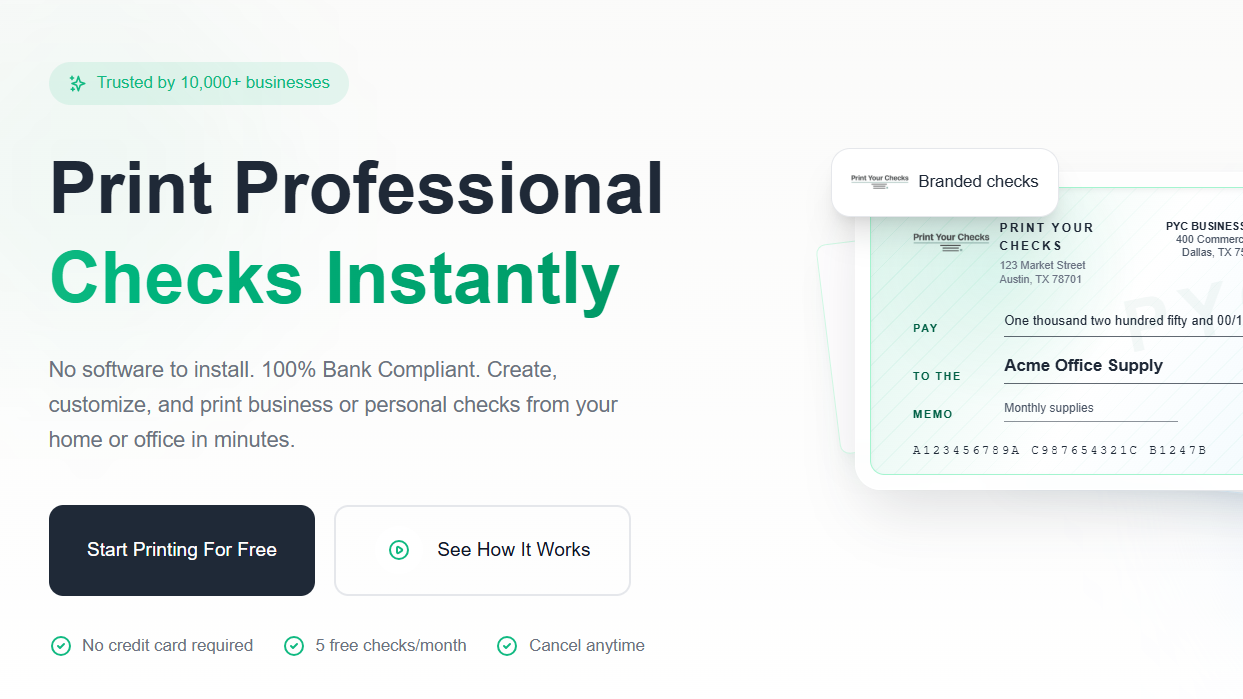
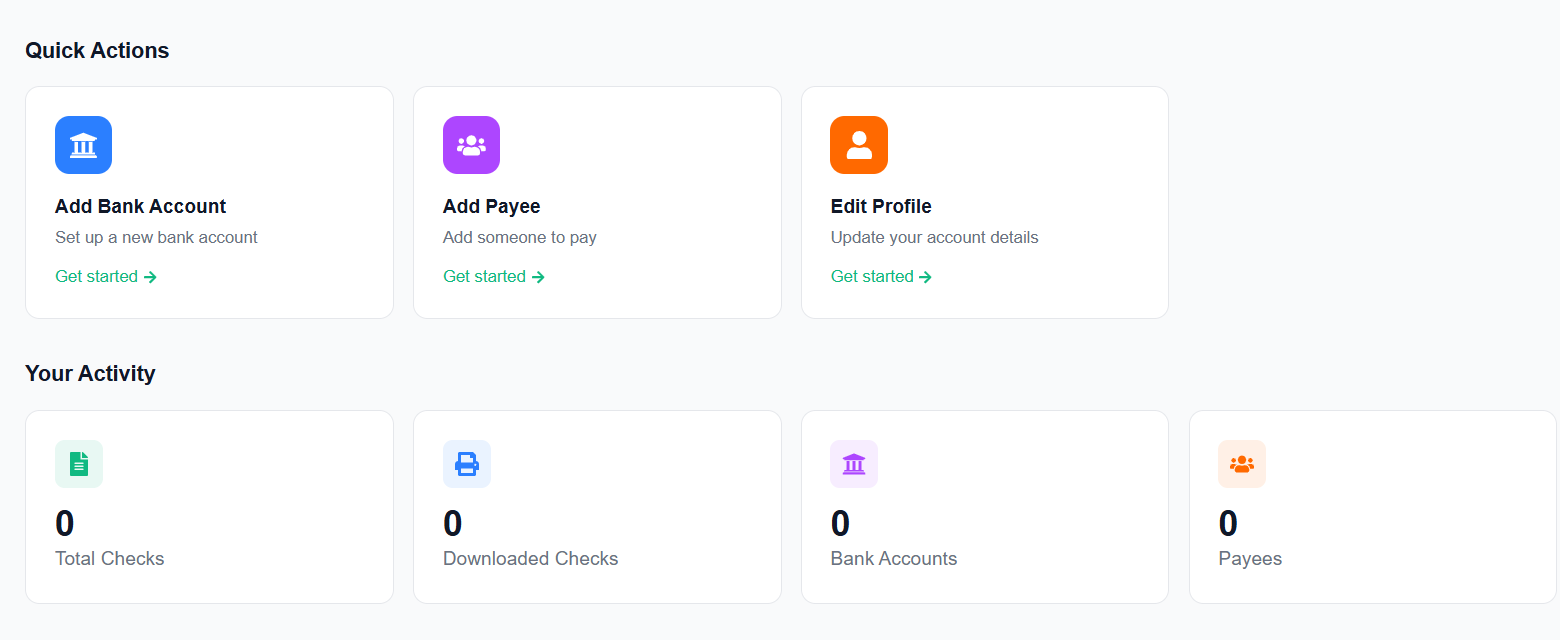
Print Your Checks is a cloud-based tool that runs in the browser, so there is nothing to install. You enter your bank details, choose a layout from the available templates, fill in the payment, and print on a standard inkjet or laser printer. The checks are formatted to US banking standards, including the MICR line.
Best for: Freelancers, small businesses, and property managers who want a quick setup without installing software, and who print at a modest volume.
Strengths: Fast setup, works from any device with a browser, and a free plan that covers a few checks each month.
Limitations: It focuses on check printing rather than full accounting, so businesses that want deep bookkeeping features will pair it with separate accounting software.
2. Checkeeper
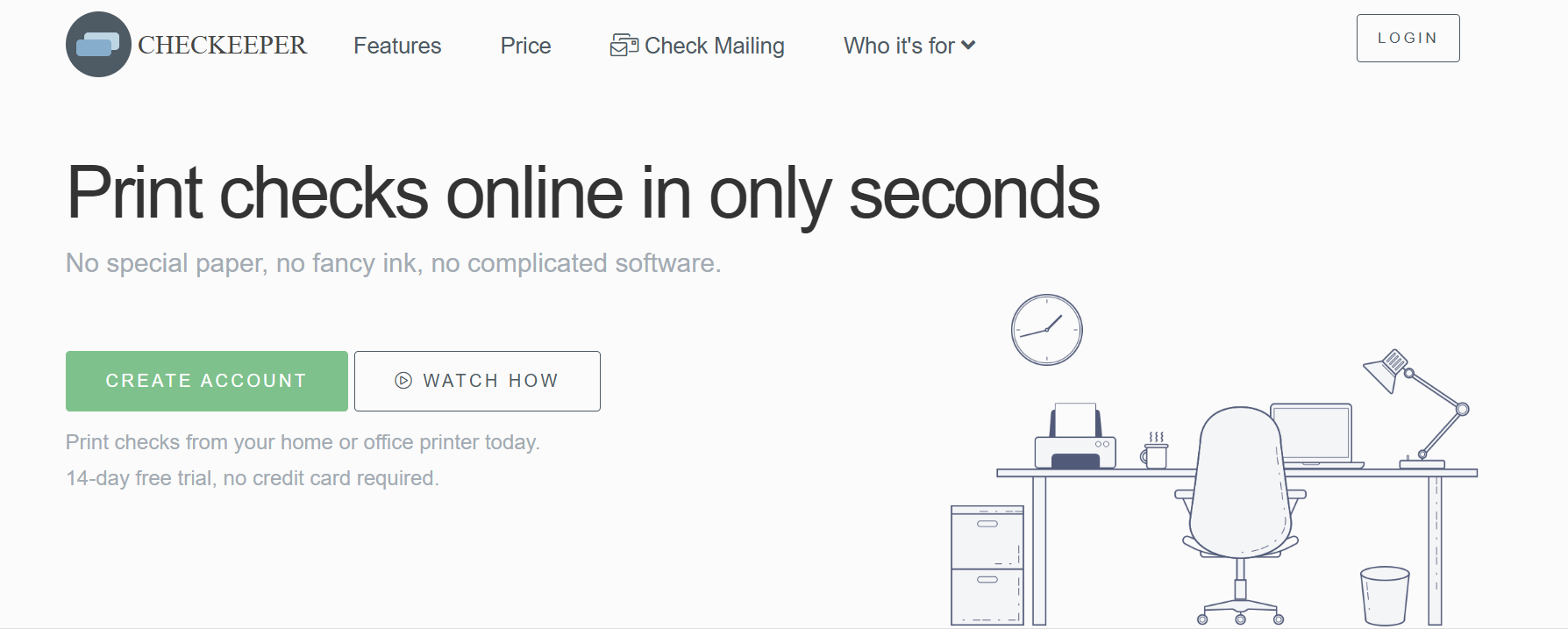
Checkeeper is a cloud-based service that handles check creation, printing, and recordkeeping in one place. It works on Mac, Windows, and Linux, supports blank or pre-printed stock, and uses a drag-and-drop designer for adding logos and signatures. It also offers a mailing service where checks are printed and sent on your behalf.
Best for: Businesses that print frequently and want built-in recordkeeping, or that value having checks mailed for them.
Strengths: Flexible templates, QuickBooks integration, and a mailing option that saves time for high-volume users.
Limitations: Pricing is credit-based, and some reviewers on software comparison sites describe it as costly at higher volumes. Check the current plan structure against your expected usage before committing.
3. Online Check Writer
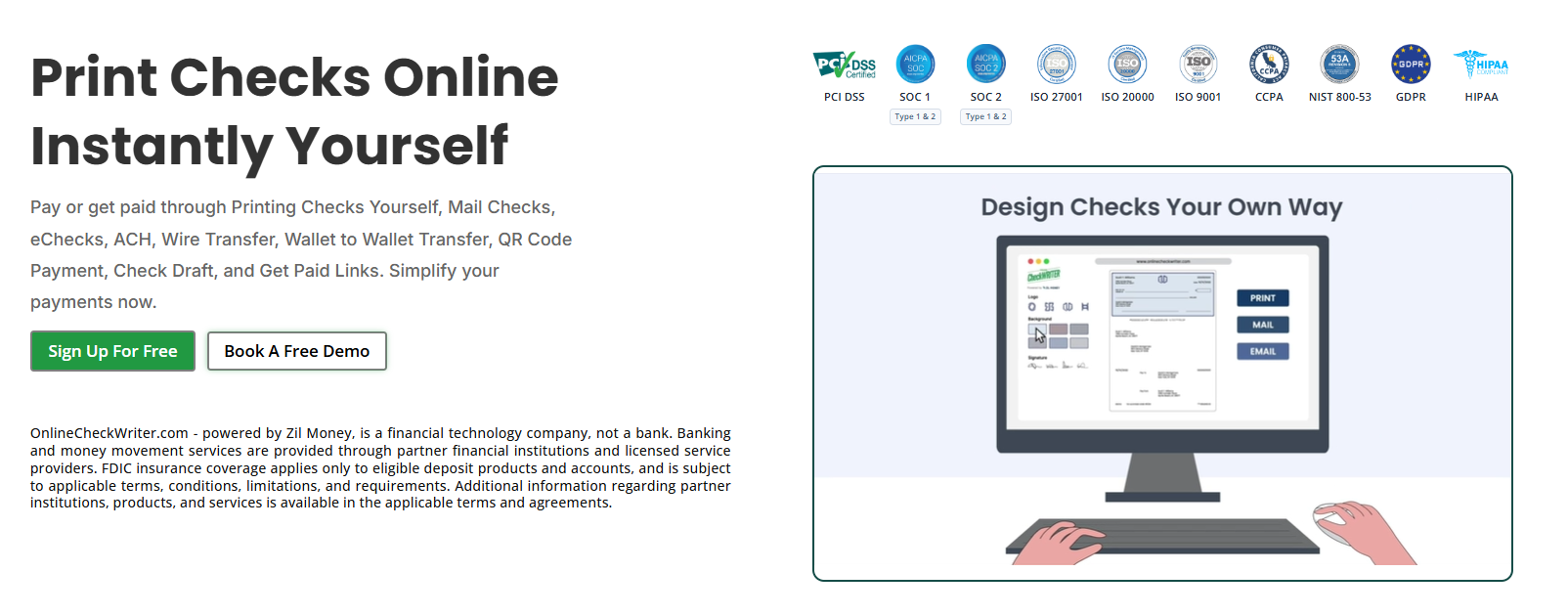
Online Check Writer is a cloud platform that lets you write, print, and send checks, with additional payment features such as mailing and digital delivery. It is aimed at businesses that want a broader payments tool rather than printing alone.
Best for: Businesses that want a combined payments platform with printing, mailing, and related features in one place.
Strengths: A wide feature set and active development of its check printing capabilities.
Limitations: Some reviewers note that it has become pricey when used purely as a standalone check printer. Confirm current pricing and whether you need the extra features before choosing it.
4. ezCheckPrinting
ezCheckPrinting, from HalfPriceSoft, is desktop software for Windows that you buy rather than subscribe to. It supports unlimited accounts and checks, batch printing, deposit slip printing, and importing data from QuickBooks or Excel.
Best for: Small businesses and sole proprietors who want to avoid ongoing subscription fees and are comfortable with Windows desktop software.
Strengths: One-time pricing, strong batch features, and good for businesses with repeating check runs.
Limitations: It is installed software, so access is tied to the computer it runs on, and it is Windows-only. Cloud access from multiple devices is not its strength.
5. QuickBooks (Desktop and Online)
QuickBooks includes check printing as part of its accounting and payables features. Checks are generated directly from your bills and payments, which keeps the printed check, the bank register, and your books in sync automatically.
Best for: Businesses that already run their accounting in QuickBooks and want checks tied directly to their records.
Strengths: No double entry, clean reconciliation, and no extra software to manage.
Limitations: Layout and design controls are less specialized than dedicated check printing tools, and the feature set depends on which QuickBooks product and plan you use. It is only worth it if you already use QuickBooks.
Quick Comparison
Tool | Type | Pricing Style | Best For |
Print Your Checks | Cloud | Free tier plus paid plans | Quick setup, modest volume |
Checkeeper | Cloud | Credit-based | Frequent printing, mailing |
ezCheckPrinting | Windows desktop | One-time purchase | Avoiding subscriptions |
QuickBooks | Accounting platform | Part of QuickBooks plan | Existing QuickBooks users |
Online Check Writer | Cloud | Subscription tiers | Broader payments features |
Pricing and plans change, so confirm current details on each provider's site before deciding.
When Off-the-Shelf Software Is Not Enough
Most small businesses will find a good fit in the options above. Larger or more specialized operations sometimes run into limits. A company with its own internal system, unusual approval workflows, or strict requirements for how payments are generated and logged may find that no packaged tool matches how it works.
In that situation, some businesses look at custom software development to build check issuing directly into their own systems. That is a bigger investment, and for most small businesses a ready-made tool is the more practical choice.
How to Choose
A few quick rules cover most situations.
If you want the fastest setup and print occasionally, a cloud tool is usually the easiest start.
If you print in large batches and dislike subscriptions, a one-time purchase program may cost less over time.
If you already live in QuickBooks, using its built-in check printing avoids duplicate work.
If you want checks mailed for you, look for a service that includes mailing and compare the per-check cost.
Whatever you pick, run a test print on plain paper first and confirm the alignment before using real check stock.
Final Thoughts
No single check printing tool is right for every business. The best choice depends on your volume, your accounting setup, and how much you value things like mailing and cloud access. Start with the features that matter for your workflow, test with a small batch, and make sure your bank accepts the output.
If you want to see how a cloud-based option works in practice, you can get started for free and print your first checks at no cost.
Print Your Checks Team